This section describes how to setup PayPal Website Payments Standard for your ViArt shopping cart. Please, carefully follow all the instructions below.
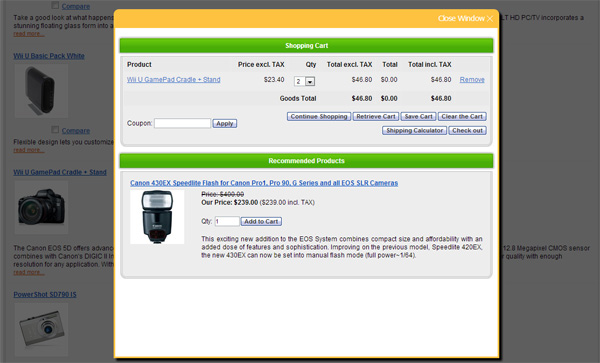
After adding a product to cart there is a possibility to show a pop-up screen with basket details, recommended products or other information. The new pop-up page is triggered on Add to Cart action and can be configured in CMS.
Settings:
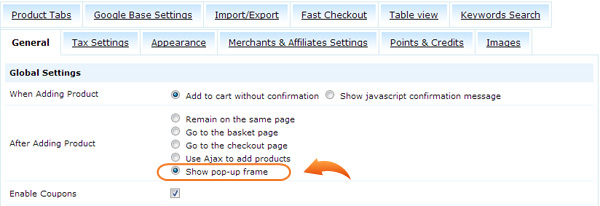
Select Show pop-up frame for 'After Adding Product' action in Settings > Products > Products Settings.
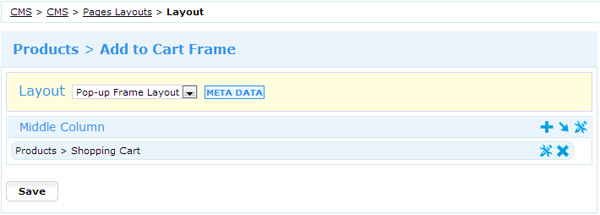
Configure the page Add to Cart Frame in CMS > CMS > Pages Layouts. By default there is selected Shopping Cart block but it is possible to use 'Shopping Cart: Recommended Products' and any text blocks.